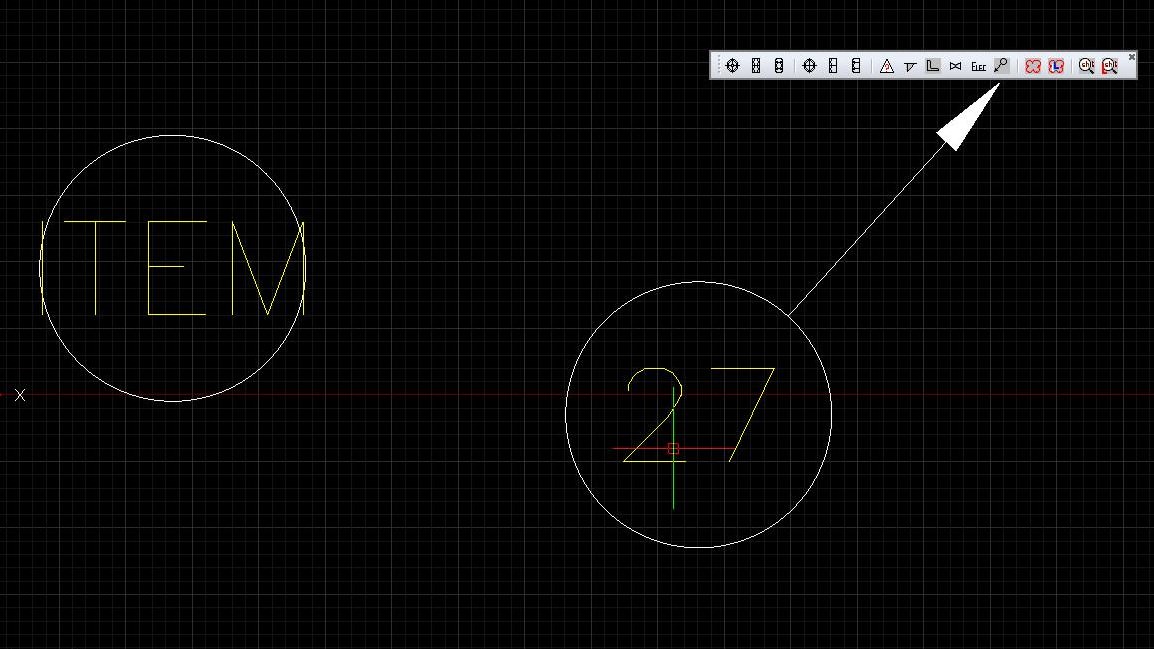
The way I do this, with item bubbles for general assemblies is:
1/ create a new drawing for my 'bubble'. (draw the circle)
2/ in the circle insert an 'attribute' (define attribute).
When this block is inserted into a drawing you can then edit the attribute to a value of your choosing.
To insert this block with a leader line I have created a toobar with a icon for this.
The command structure to insert the bubble and leader is:
^C^C^C_attdia;off;-insert;bubble;nea;\(getvar "dimscale");;;;_leader;nea;\per;\;;n;attdia;on;
Here is an image to give you an idea of what this all looks like in reality.
Now the block can be whatever you need.
HTH
Steve